| 1, Create a new window
sized 600x300.
(File > New)
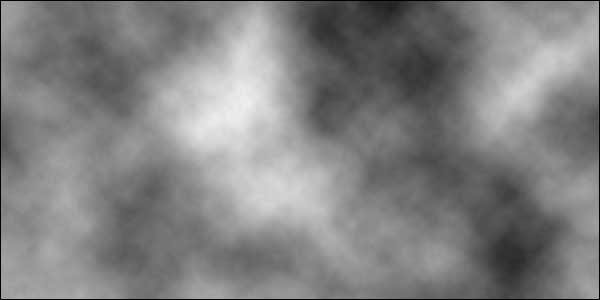
2, Make sure you have default fore and background colors.
Do this by hitting "D". Then apply the clouds filter.
(Filters > Render > Clouds)
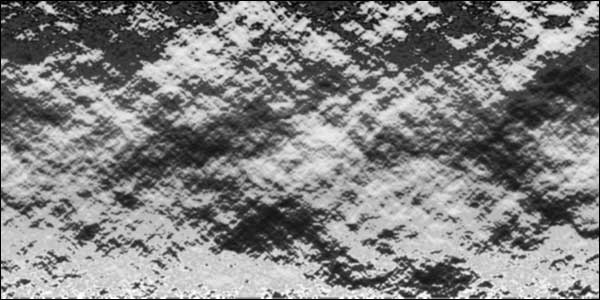
3, Now add the Bas Relief filter to that layer. I would suggest
settings of Detail 15 and smoothness of 2, but you can play
around with that settings yourself to achieve diffrent results.
(Filters > Sketch >Bas Relief)
4, Apply the chrome filter now, and smile :)
(Filters > Sketch> Chrome)
5, Touch ups
In case the chrome looks to messy, try using a higher "smooth"
amount in the bas relief filter.
Use the Color fill effect and overlay some color in "screen
mode" which makes the chrome go colorful. Add some other
things too your picture too make it more interesting.
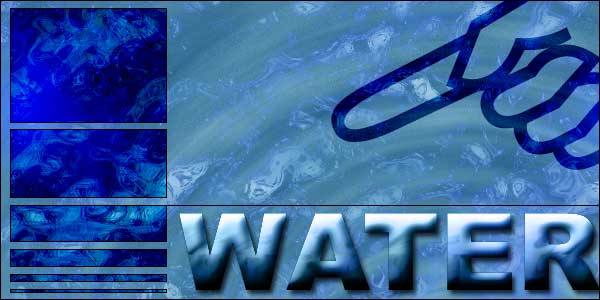
Below is the final chrome image u could get. Add some effects
and other interesting object to it, and you're done!.
|
