|
Putty32 Putty 32 tutorial - Download Putty PuTTY is a free implementation of Telnet and SSH for Win32 platforms,
along with an xterm terminal emulator. Before using this tutorial make sure you have the following information of the computer you want to connect to: - HostName(IP or Domain name)
> Find your putty.exe executable and run it. > You will see a similar window as below poping up on your screen. > To connect to a SSH server, enter its IP address(in form XXX.XXX.XXX.XXX, for example: 255.255.255.0) or domain name (in form www.XXX.ext, for example: www.myfriendscomputer.com) in the field labeled "Host Name". > Enter the port number in the field labeled "Port" > Select your protocol. This is server depended, if you don't know just try them both.(Telnet and SSH that is) > If you want to save this information for future, enter a name in the field labeled"Saved Session" and acknowledge by pressing the "Save" button, otherwise ignore this step. > Connect to remote machine by pressing "Open"
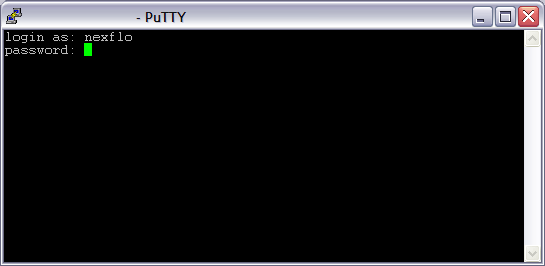
> A similar window to the one below should appear. Enter your
username and proceed by pressing the enter key.
|
 |